How do I change my organisation view?
Some user accounts are connected to more than one organisation.
You don’t need a separate login for each organisation.
If your user account is connected to more than one organisation you can switch between organisations.
- Click the ‘Switch organisation’ button on the toolbar.
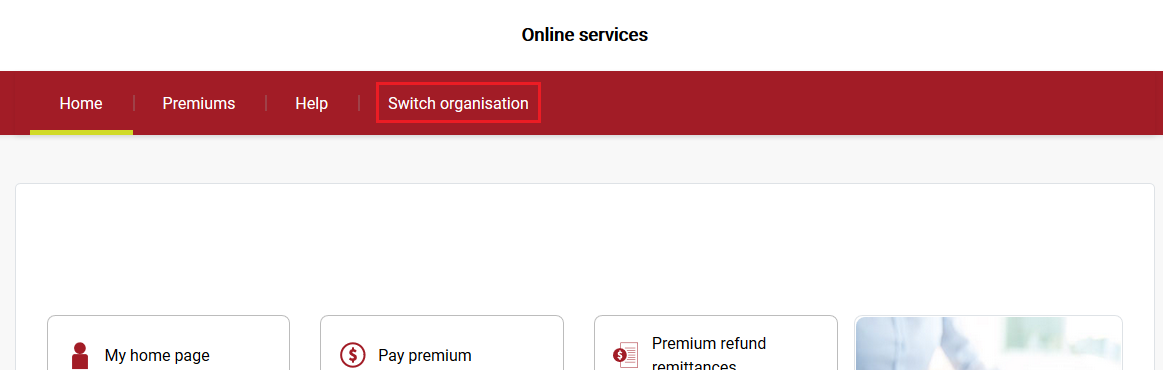
2. Select the organisation you wish to switch to.
All transactions and data contained in online services will now be related to this organisation.
Still need help?
If you require assistance or have any feedback please contact us.
Call us on 13 18 55 between 8:30am - 5:00pm Monday to Friday or email info@rtwsa.com.